tcl roku tv not automatically connecting to wifi
Try changing the connection to a 5GHz connection a wider bandwidth to forgo any latency and network traffic issues. This is what you need to do.
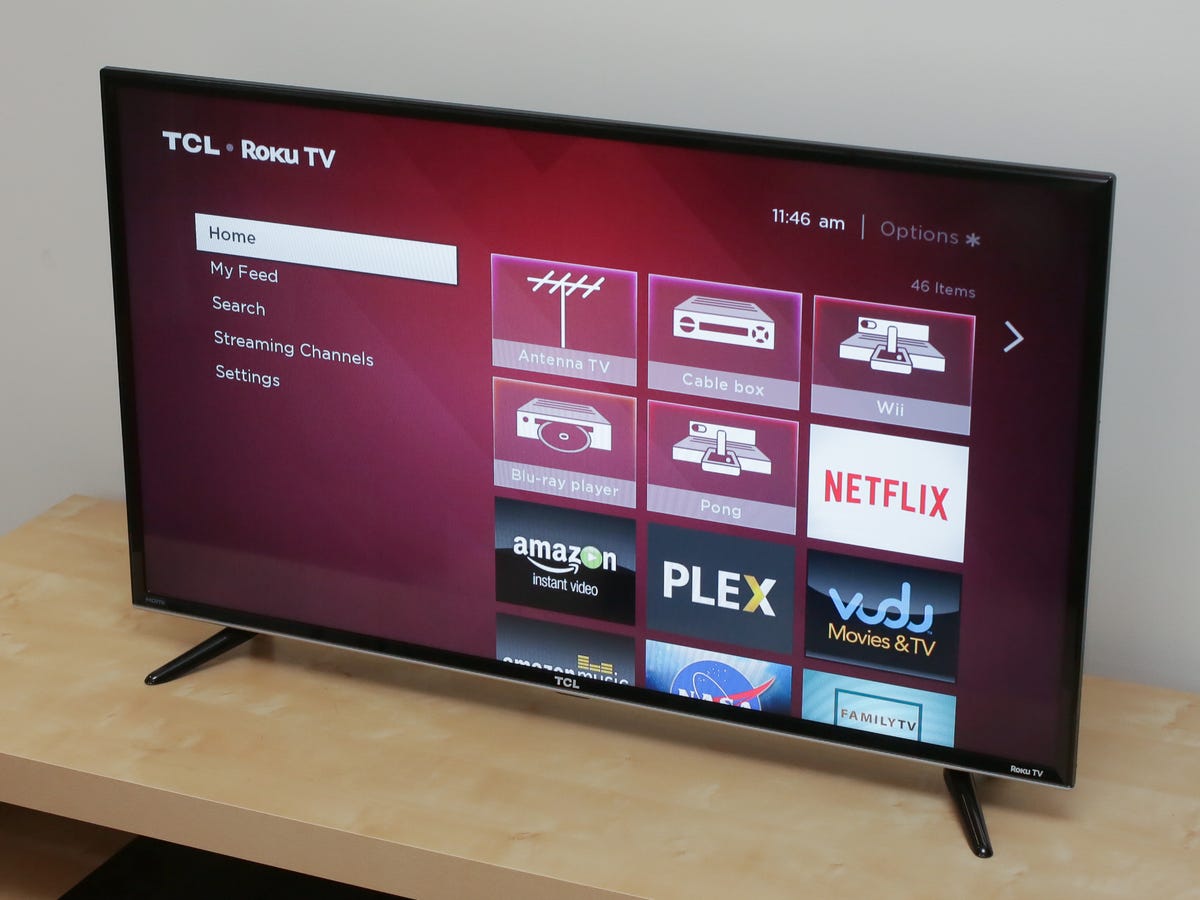
Tcl S3800 Series Roku Tv 2015 Review The Best Smart Tv Is Among The Most Affordable Cnet
It means there is a connection issue with the internet.
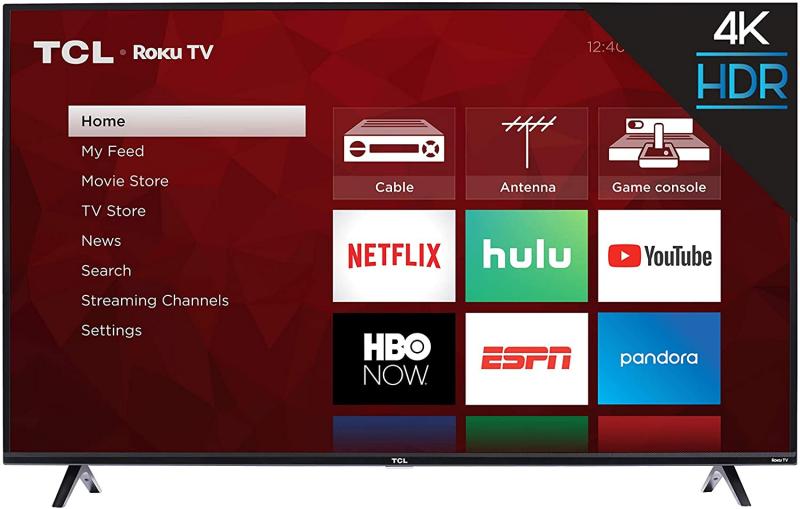
. TCL Roku TV Not Working. Plug in an Ethernet. Try connecting your Roku TV now.
One of the benefits of smart TVs is that they are designed to be able to hold and retain any information that you input even once such as your WiFi network and the password. When you have a problem with TCL Roku TV not automatically connecting to Wi-Fi connect the device to the internet via the Ethernet cable. Please refer to the following steps.
If you try to set up connection but theres no Set Up Connection option. Founded over 30 years ago TCL prides itself on delivering more to consumers with high quality products featuring stylish design and the latest technology. If the WiFi of the TLC TV is not working please check whether the network cable is connected properly.
Here are some basic considerations to optimize the performance of your Roku player. Choose the WiFi network you wish to connect to and press OK. Navigate to Settings Internet Connection Check Connection.
Keep your TCL Roku TV within range of your wireless router. 1 Turn on the TV. If this isnt the case the problem could be with the television itself.
Even a few inches can help. As a result using a wired connection may be worthwhile. To receive a stronger wireless signal try moving or rotating your TCL Roku TV into different positions.
Another likely fix to try on the TV is to change the network. 6 If the. TCL TV Apps Wont Download.
TCL TV Wont Turn OnOff. 3 Select Settings from the menu. As previously stated under TCL TV Wont Connect to WiFi ensure that your WiFi is operational which may necessitate a router reset.
2 Press the power button to select the menu. TCL Roku TV not connecting to wifi but will connect to hotspot. Do not place your TCL Roku TV in an enclosed or recessed area.
To answer your question yes every TCL Roku TV comes equipped with an Ethernet connector for your convenience. When i set up connection i get a green check on both wireless. This is a tcl r635 model wont connect to wifi anymore had been using for over a year but it will run on my mobile hotspot.
Wait for Roku to scan for the network and choose your home Network. Press the Home button on the remote of your Roku TV. Its possible that the televisions built-in WIFI connectivity is to blame.
Select Network and then choose Wireless Setup. Ive tried soft restart i even factory reset it and its still wont connect. WiFi setup for your TCL Roku TV can be done with these easy steps.
I show you how to fix a TCL Roku TV smart TV where its not connecting to the wifi internet network No Connection. Locate the Ethernet port at the back of your TCL Roku 4K TV. A factory reset may also be helpful by pressing Home Settings System Advanced System Settings.
4 Select WiFi Settings. By the end of this video most of you wi. Already one of the Worlds best-selling TV brands TCL The Creative Life is now one of the fastest growing consumer electronics brands in North America.
Use Your Ethernet Connection to Fix TCL Roku TV Not Connecting to WIFI. TCL TV Not Automatically Connecting to WiFi. 5 Check whether the WiFi signal indicator light is turned on.
Press Next to proceed. TCL Roku TVs have multi-band support meaning you can connect to a wider bandwidth. Roku will not be connected to your WiFi network if you dont see the Check Connection option.
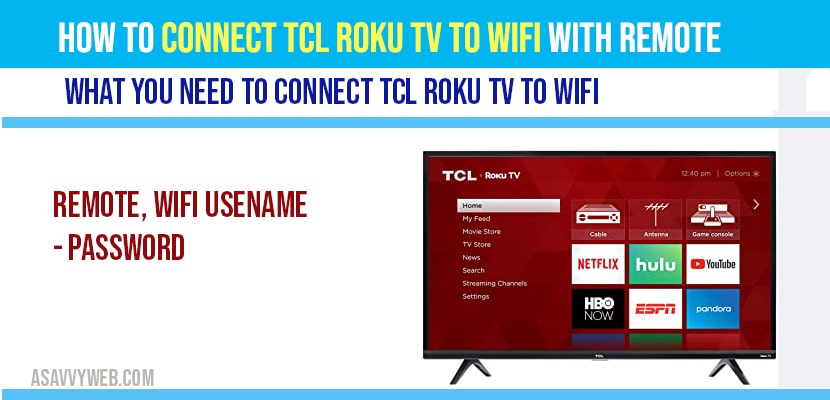
How To Connect Tcl Roku Tv To Wifi With Remote A Savvy Web
Why Does My Tcl Roku Tv Keep Disconnecting From Wifi The Indoor Haven
Tcl Roku Tv Won T Connect To Wifi Solved Let S Fix It

Roku Tcl 49s305 Offline After 9 3 Update Roku Community

How To Connect Tcl Roku Tv To Wifi Without Remote Guide

Tcl 3 Series Roku Tv Review This 32 Inch Set Delivers Modern Smart Tv Features For Not A Lot Of Cash Techhive
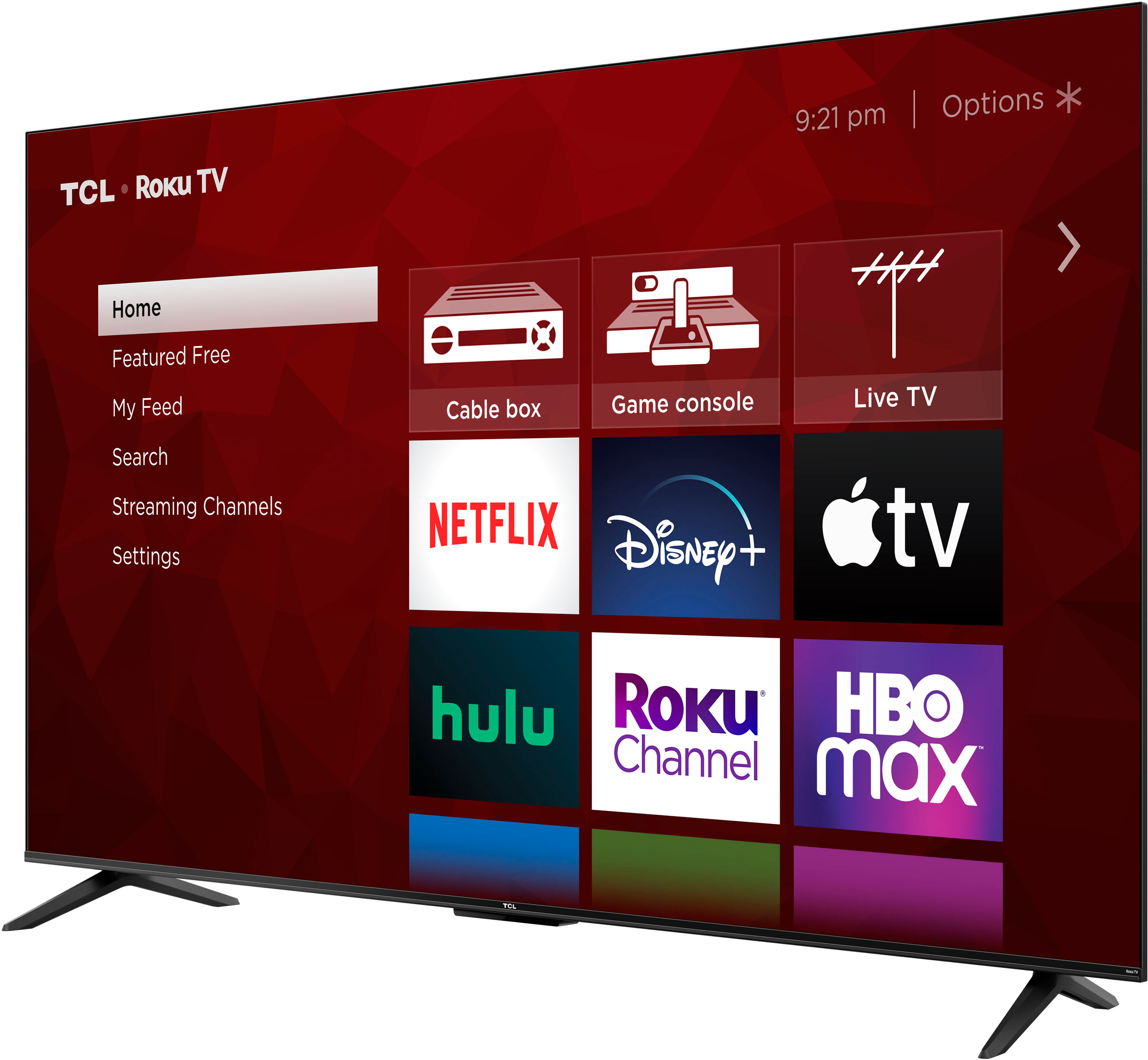
Tcl 50 Class 4 Series 4k Uhd Hdr Smart Roku Tv 50s455 50s455 Best Buy

Tcl Roku Tv Stopped Connecting To The Internet After New Router R Roku

Tcl Roku Tv Not Connecting To The Internet The Fix Streamdiag
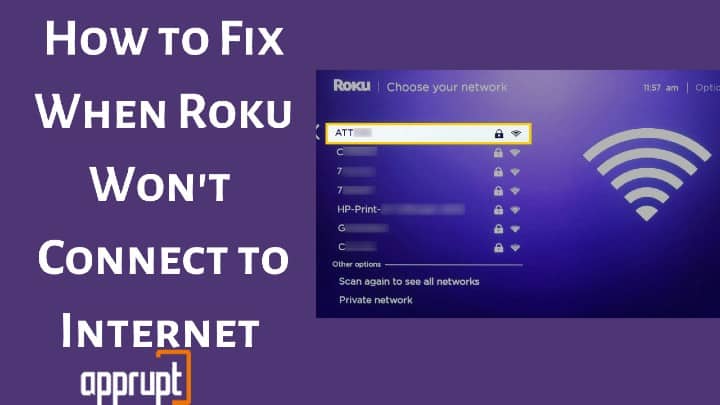
Roku Tv Not Connecting To Wifi Internet How To Fix This Issue

Wifi Issues On Tcl Roku Tv How To Fix 2022 Blinqblinq
Roku Tv Os Review Smart Tv And Online Streaming For Everyone Dignited
Tcl Roku Tv Not Connecting To Wifi 2022 Solved

How To Turn Off Wifi On Tcl Roku Tv Certsimple Com
Tcl Roku Tv Troubleshooting Guide The Indoor Haven

Tcl Roku Tv Not Connecting To Wifi Issues And Easy Fixes 2022
Tcl 50 Class 5 Series 4k Qled Dolby Vision Hdr Smart Roku Tv 50s535 Tcl Usa
Tcl Roku Tv Keeps Disconnecting From Wifi 3 Fixes Internet Access Guide

Tcl Roku Tv User Manual Manuals